
Appearance
Windows Cloud Images
Deploying Windows Cloud Instances Has Never Been This Easy!
Overview
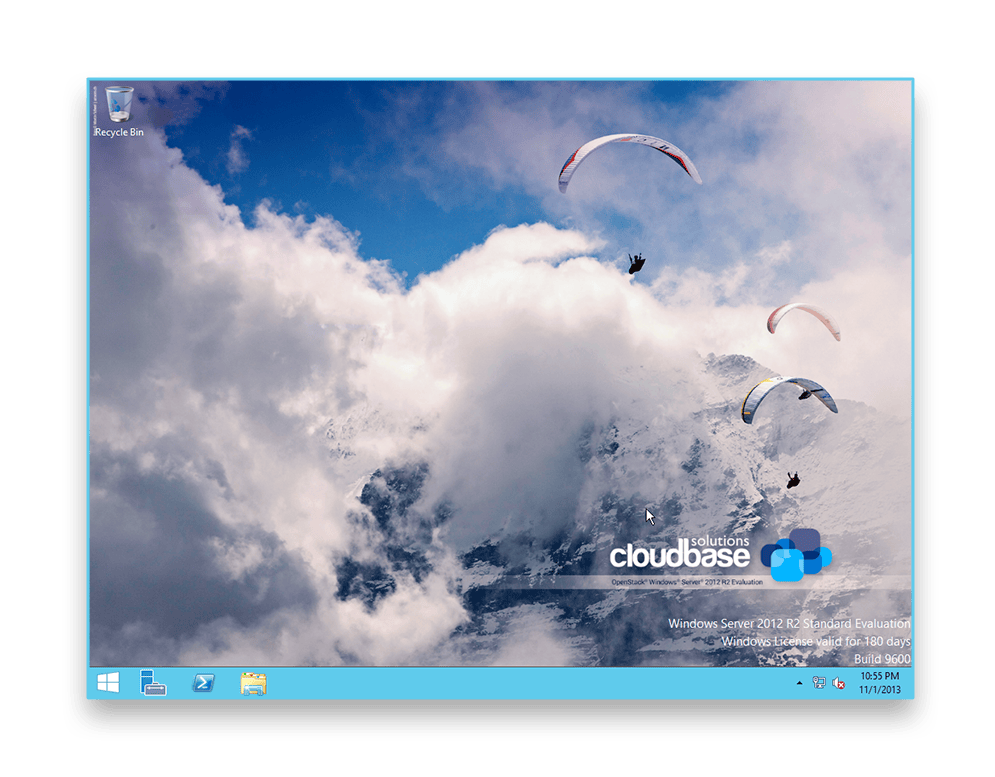
Windows® Cloud Images are a great way for you to rapidly deploy pre-packaged, fully supported OpenStack™ Windows Guests, including the required support for hypervisor-specific drivers (Hyper-V / KVM). Also integrated are the guest initialization tools (Cloudbase-Init™), security updates, proper performance, and security configurations as well as the final Sysprep. Our aim is to guarantee you the maximum cloud deployment quality, but also to make sure that customers won’t need to spend resources on dedicated Windows DevOps for managing Windows workloads and assisting clients.
The major Linux distributions are known for providing images ready for download (for example Ubuntu or CentOS). Even though the same does not apply to Windows due to licensing constraints, Microsoft has granted the rights to distribute Windows trial images for OpenStack to Cloudbase Solutions, along with a specific End User License Agreement (EULA) that limits the usage to evaluation purposes only, excluding, in particular, any commercial usage (see EULA below).
Our offer comes with managed and unmanaged support packages, including different SLA options. Also included is all of our domain experience in preparing images for third parties, taking into consideration that the customer owns the base Windows OS SKU license (e.g. Volume Licensing, SPLA, or others).
Support for Windows ARM64 images is also now available.
Supported Hypervisors
All the images come with the required hypervisor specific drivers and tools, for example VirtIO for KVM.
- AWS
- KVM
- Microsoft Hyper-V
- Nutanix AHV
- VMware
User Access
This image comes with RDP enabled. Cloudbase-Init creates a user called Admin during the instance initialization. Starting with OpenStack Grizzly, the password can be retrieved with:
| 1 | nova get-password <instance> <SSH_private_key> |
|---|
The usual Windows Administrator user is also available, but in order to enable it the password must be changed by accessing the instance console (e.g. from the Horizon dashboard).
Note: Ping requests are blocked in Windows Server by the firewall by default.
OpenStack Deployment
Deploying your downloaded image to Glance is incredibly easy. You can even specify a hypervisor_type property and support multiple hypervisors with different images, for example in the case of KVM:
| 1 2 3 | gunzip -cd windows_server_2012_r2_standard_eval_kvm_20170321.qcow2.gz | glance image-create --property hypervisor_type=QEMU --name "Windows Server 2012 R2 Std Eval" --container-format bare --disk-format qcow2 --property os_type=windows |
|---|
More details about deploying the images are available in this blog post.
Windows Server production Images starting from 230.00 EUR / Month
The offer is valid for any supported Windows version: Windows Server 2025, 2022, 2019, and Windows Client 11, based on the customer’s Microsoft licensing entitlements.
The provided Windows Server 2012 R2 image is for evaluation only and demonstration purposes only. Please contact us for production and/or custom Windows Cloud Images for both public and private cloud usage.
Download Windows Server 2012 R2 Standard Evaluation for OpenStack
Microsoft License Agreement:
Thanks for accepting the Microsoft EULA.
You can now proceed to the download section.
You need to accept the Microsoft EULA in order to proceed to the download section.
| Image | Format | Date | Cloudbase-init | SHA1 |
|---|---|---|---|---|
| Microsoft Hyper-V | VHDX | March 21, 2017 | 0.9.11 | b01814ae88bf8f0110c7d886b209745baf63db8f |
| KVM | QCOW2 | March 21, 2017 | 0.9.11 | 17e98010014eb8e705515d5302d5922e3e3723f4 |